

What is an Admin?
An Admin is essentially a "super user" who can oversee the whole account. They manage everything from users and boards to security and billing. This means one team member (or several, if you like) can manage their team effectively and securely.
Team members
Team members are the colleagues in your department or organisation who you work with every day. They can see all information on Main boards and get invited to collaborate on shareable and private boards.
There are two types of team members: members and viewers.
Members
A member is the type of team member with editing rights on an account's boards. A member can do the following (as can an Admin, of course):
- Create and edit a board
- Create and edit items
- Create and edit folders
- Invite other members to a board and item
- View all Main boards
- Get invited to shareable or private boards
- Edit their profile
- Communicate and add attachments
The number of members you can invite to your account depends on the plan you've purchased. For example, if you've bought the Standard plan with 10 users, you can invite up to 10 users.
Viewers
Viewers are another type of user you can invite to your monday.com account. Like team members, they have access to the Main board section and the shareable or private boards you share with them. The difference: they can only view boards and have no editing rights.
A viewer can:
- View all Main boards from any open workspace on the account (and any private workspaces they've been added to)
- Open an item and read updates
- Search or filter within a board
- Get invited to shareable or private boards
- Edit their profile section
- Invite new viewers (unless the Admin has blocked this setting)
- Open board views
- Be assigned to a team
- Be added to a team
- View and customise information in "My Work"
- Export boards to Excel
A viewer cannot:
- Create or delete a new board
- Make changes to a board's content
- Make changes to a board's structure
- Edit information in "My Work"
- Change board settings
- Add updates to an item or like an update posted by someone else
- Sign themselves or others up for an item or board
- Be assigned as board owner
- Invite guests to a shareable board
- Create a team
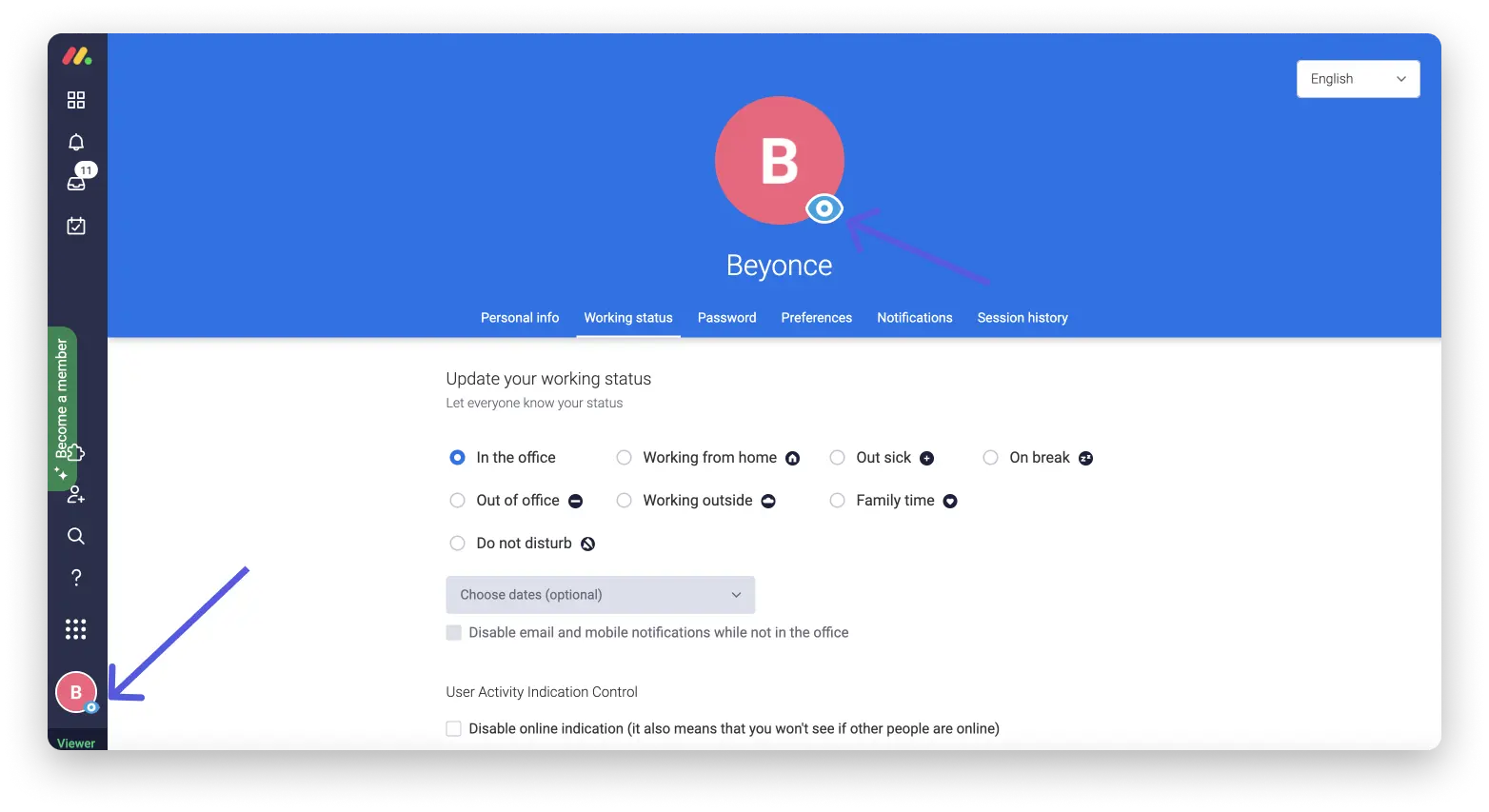
You can recognise a viewer profile by a small eye icon next to their avatar, with "Viewer" shown in the bottom left of their screen. This shows that the account is view-only.
You can invite an unlimited number of viewers, whatever plan you've purchased. Viewers aren't included in billing. Viewers can invite other viewers to view the account themselves, provided the account Admin hasn't restricted this setting.
Guests
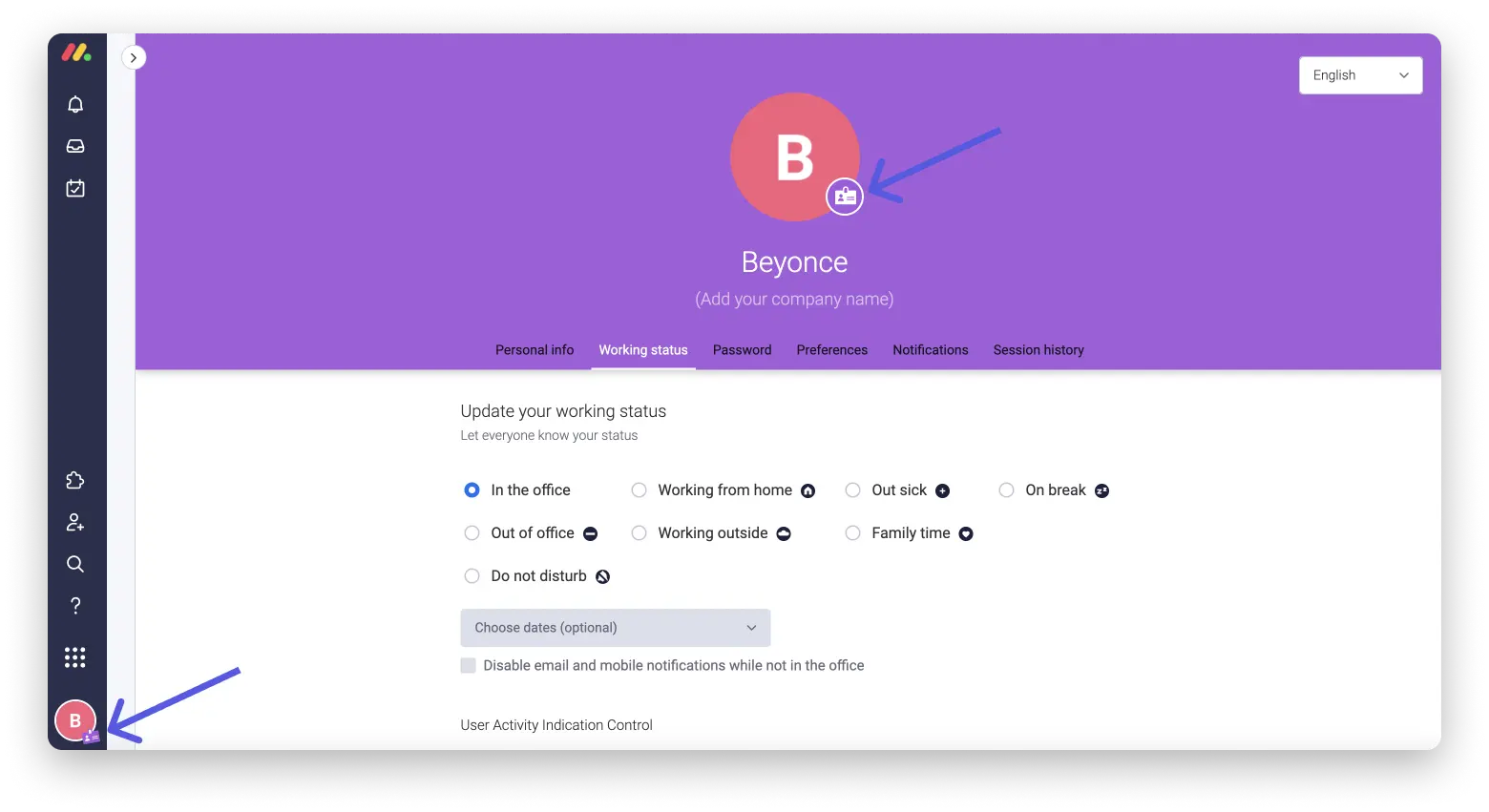
A guest is a user who doesn't belong to your organisation, or to its subsidiaries, branches or other affiliated companies. Guests include, for example, customers, suppliers, freelancers or external consultants.
A guest must have an email domain that differs from the domains linked to your organisation, its subsidiaries, branches and other affiliated companies, and can only be invited to shareable boards. They are NOT able to see information on Main or private boards. Thanks to this feature, you can collaborate with people from outside your organisation with peace of mind, while keeping the information on your Main and private boards secure.
Custom roles
This feature is only available on the Enterprise plan.
Custom roles let Enterprise Admins create unique, account-level roles based on job title, department, or another suitable definition of a team member, and then assign specific permissions to that role. This feature is designed to make it easier to govern an account effectively, while still giving employees an appropriate level of freedom within their own domain. Once a custom role has been created, it can be assigned to any team member on your account via the user management section.
Subscribers
Subscribers are Admins, team members and guests who follow or have subscribed to a board. Whenever someone posts an update on a board, it appears in the inbox of every subscriber to that board.
Board owners
A board owner is either:
- the person who created the board, or
- a subscriber to the board whom the board's creator has chosen as co-owner.
Board ownership matters when it comes to restrictions. For example, the board owner can use board permissions to set non-owners to view-only access on the board.
Board owners can only be Admins or members. Guests and viewers cannot become board owners.
Conclusion
Admin, member, viewer, guest, custom role, subscriber, board owner: each monday.com user type comes with a clearly defined set of permissions. Keeping these types cleanly separated when setting up your account keeps you in control of who can see and edit which boards.
.svg)