

The problem: AI doesn't know your boards
An AI assistant can write text, answer questions and structure ideas. What it can't do without a connection is know what's actually happening in your monday.com workspace. What's overdue, which tasks are open, what the pipeline looks like. You have to copy that information manually, paste it into the chat, then carry the answer back into the system yourself.
monday MCP closes that gap. The AI reads your boards live and can carry out actions directly in the workspace, instead of just making suggestions you then implement yourself.
What is MCP?
The Model Context Protocol is an open standard that Anthropic introduced in late 2024. It defines a single interface through which AI tools communicate with external systems: reading data, understanding context, executing actions.
Before MCP, every combination of AI tool and platform needed its own integration. Connecting monday.com, Slack and a CRM at once meant three separate connections, each built and maintained individually. MCP solves this with one shared standard. A platform implements MCP once, and any MCP-compatible AI tool can then connect.
Worth noting: MCP is not an AI and not a replacement for existing APIs. It's a communication layer that builds on existing APIs and makes them more accessible to AI tools.
What is monday MCP specifically?
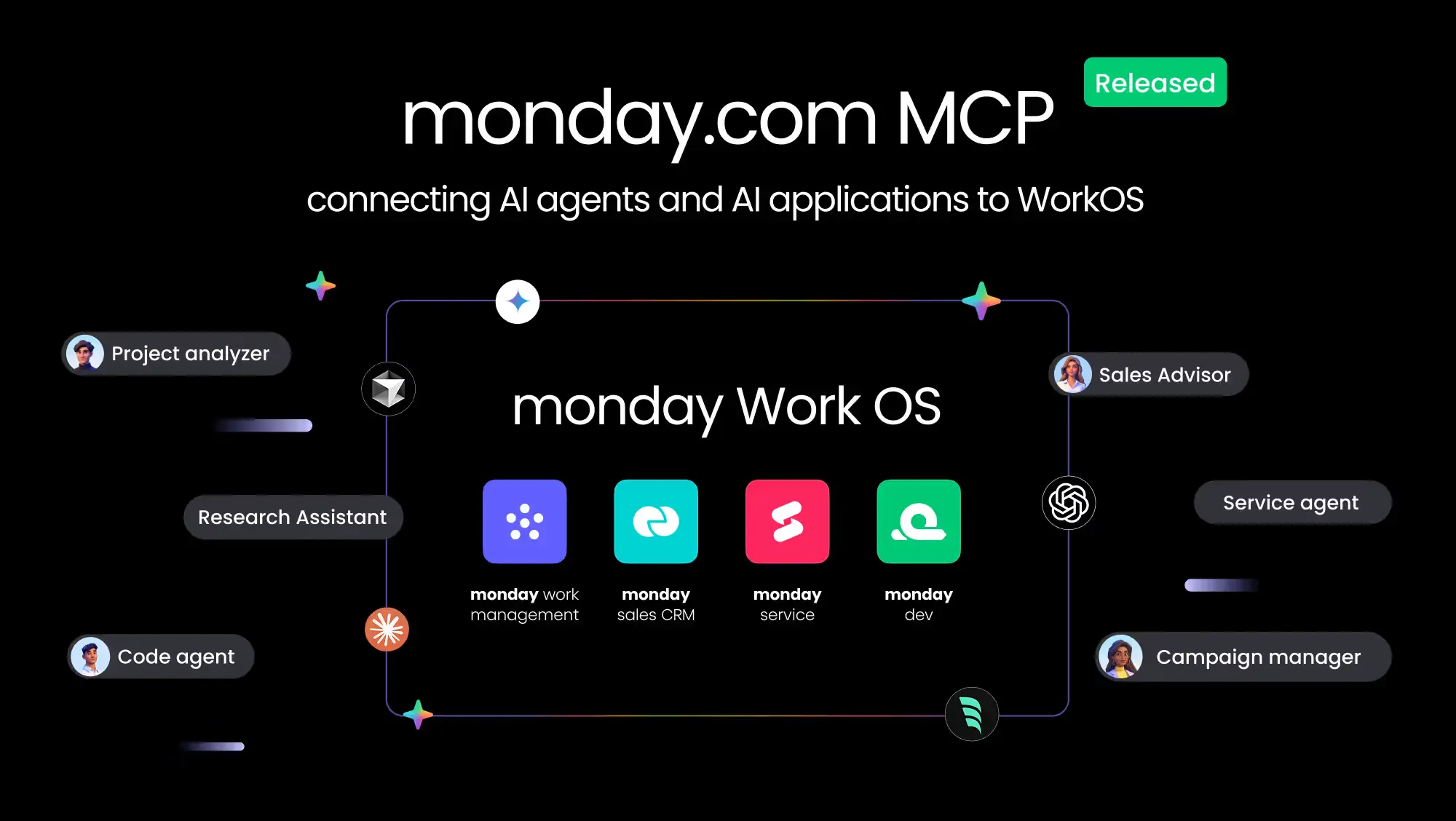
monday MCP is the hosted server that connects your monday.com workspace to AI assistants through the Model Context Protocol. Officially supported clients currently include Claude, ChatGPT, Cursor, Microsoft Copilot Studio, Mistral's le Chat, Figma Make and Gemini CLI. Other tools that support MCP are generally compatible too, though setup steps can vary.
The connection runs through OAuth. You don't log in with a password, you grant a permission that you can revoke at any time.
Setup
To use it you need an active monday.com account with the right permissions, the monday MCP app installed from the monday marketplace (this requires an admin), and a supported AI client. On first connection you confirm the OAuth consent.
After that you talk to the AI directly, in Claude or ChatGPT for example, and it accesses your workspace.
What you can do with it
A few examples of how monday MCP gets used day to day:
- Generate project reports: "Summarise what changed on the Q4 launch board this week." The AI reads the current data and delivers a summary without you clicking through every item yourself.
- Turn meeting notes into tasks: A protocol becomes structured items with an owner, priority and due date, created directly on the right board.
- Ask cross-board questions: "What's blocking the launch?" answered across several boards at once, instead of checking each one individually.
- CRM workflows: Creating leads from an email thread, updating pipeline stages, capturing next steps from call notes.
Every one of these actions stays within your existing permissions. Whatever you can't see or change in monday.com, the AI can't either.
Security and permissions
Every user authorises monday MCP individually through OAuth. The AI only has access to the data that specific user can already see in the interface. Data transmission is encrypted via TLS.
monday MCP doesn't cache data. On every request the AI accesses the workspace live, processes the response and keeps no copy. monday.com states that it doesn't access the content of conversations between you and your AI tool.
Since the AI can carry out actions on your behalf, it's still worth reviewing suggested changes before confirming them, especially for actions that modify the workspace.
Cost
monday MCP is included in every monday.com plan at no extra cost. Standard API limits for your plan apply. Costs can arise on the side of the AI tool you use to run it, depending on your Claude or ChatGPT subscription, for example.
For SMEs in the DACH region
For smaller teams without their own development resources, the relevant point is that setup works without any coding: install the app, confirm OAuth, get going. That lowers the entry barrier considerably compared with custom-built integrations. How much difference it makes day to day depends on how cleanly your boards and processes are structured beforehand. An AI can only give answers as good as the underlying data allows.
Blinno package: monday MCP Productivity Sprint
For anyone who doesn't want to handle the setup alone: Blinno offers a fixed package for this. ChatGPT or Claude gets connected to monday.com, then three concrete work routines are made productive for a target role. The promise: by the end, that role can reliably run three agreed monday.com tasks through natural language.
Included are the AI client connection, a permissions and write-action check, three tested work routines, a remote workshop, and a customer-specific skill with a quick guide.
.svg)