

What if you could launch your app idea today?
Just two years ago, that was a question only realistic with a five-figure development budget and a team of developers. Today, you type your prompt into Bubble, wait five minutes, and have a functional app with a database, user login, and workflows. No joke, no marketing fluff. That's the state of things in 2026.
Bubble is the world's leading no-code platform and has set a milestone with the Bubble AI Builder: You describe your idea in natural language, the agent generates the design, database, and logic, and you can then visually edit every single building block without touching any code. In this post, we'll show you exactly what the Bubble AI Builder can do, how it works, and when it's the right choice for your project.
What exactly is the Bubble AI Builder?
The Bubble AI Builder is an integrated AI assistant directly within the Bubble editor. It fundamentally differs from classic AI app generators like Lovable or Base44 because it doesn't just generate code once and leave you to it. Instead, it works within Bubble's visual editor – you can manually intervene at any time, move elements, adjust workflows, or query the agent again.
Specifically, the Bubble AI Builder can:
- Generate a complete app structure from a text prompt – including UI pages, data types, and workflows
- Extend and debug existing apps – you can tell the agent what's not working, and it fixes it
- Generate best-practice elements that meet Bubble standards
- Provide you with step-by-step instructions for everything it can't yet build directly
The result:
You no longer start with a blank canvas, but with a functional prototype which you can further develop according to your vision.
How does the Bubble AI Builder work in practice?
Step 1: Enter your idea as a prompt
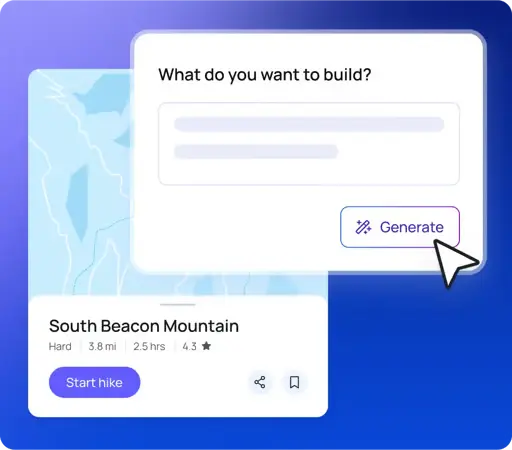
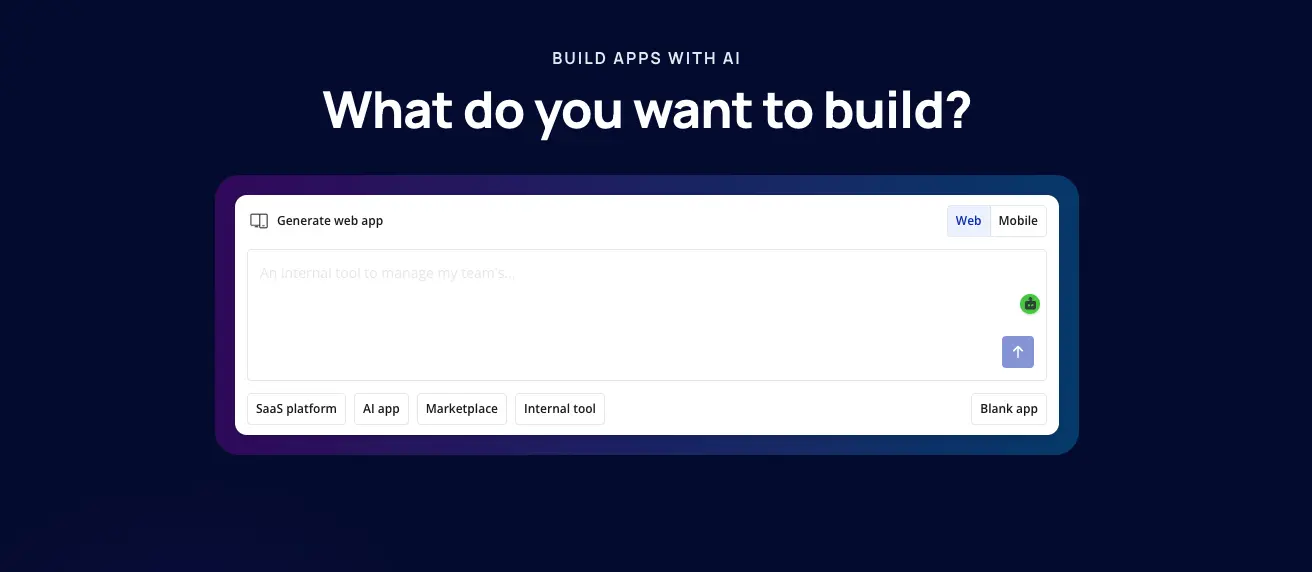
You open Bubble, click on "Build with AI" and describe your app idea – just as you would explain it to a friend.
Example
„I want to build a platform where freelancers can post their offers and clients can book them directly, with a rating system and Stripe payment."
Step 2: Bubble builds the basic structure
In 5 to 7 minutes, Bubble AI generates a complete basic structure: user registration and login, the relevant database fields (freelancers, offers, bookings, reviews), an initial user interface with multiple pages, and the fundamental workflows for booking and payment. You immediately have something you can view and test.
Step 3: Visually refine or continue querying the assistant
Now you have full control. You can directly adjust colors, change layouts, and add new pages in the editor – or simply tell the AI Builder what's still missing. “Add a calendar for available appointments” works just as well as “Build me a filtered view for categories”.
What makes the Bubble AI Builder special?
You're never reliant on code
This is the crucial difference from vibe-coding tools like Bolt.new or Replit: If the AI-generated code is faulty, you can't really fix it without developer knowledge. With Bubble, everything remains visual and editable. You see every element, every workflow, every database relationship, and can adjust it without having to read a single line of code.
The app is production-ready from the start
Bubble handles hosting, security, and backend infrastructure automatically. You don't have to worry about servers, SSL certificates, or deployments. The app goes live immediately – and scales with your user numbers.
Integration with real AI services
Bubble connects to OpenAI, Anthropic Claude, Google Gemini, and other AI APIs via simple plugin connections. This means: With the Bubble AI Builder, you can build an app that itself contains AI features – such as an embedded chatbot, AI-powered content moderation, or automatic text summaries. Over 80,000 Bubble users have already integrated AI functions into their apps.
Who is the Bubble AI Builder for?
The Bubble AI Builder is particularly strong for:
- Founders without a technical background, who want to validate an MVP without immediately having to hire a development team. The savings can be enormous – according to internal Bubble surveys, companies save between $300,000 and $1 million per year through the platform compared to traditional development.
- Product Owners in existing teams who want to quickly create prototypes for internal tools, dashboards, or customer solutions without waiting for months-long development cycles.
- Agencies and freelancers, who need to quickly deliver functional solutions for clients while still maintaining full control over the design.
- Solo SaaS founders, who want to build a niche product and know that for apps with under 5,000 monthly users and a budget under 30,000 Swiss Francs, Bubble is the fastest route to market.

What the Bubble AI Builder (still) can't do
It would be dishonest to only mention the strengths. The Bubble AI Builder is not a panacea:
For very complex apps with high-volume traffic, Bubble hits cost ceilings due to its Workload Unit Pricing (WU). Anyone with 50,000 or more monthly users should keep a close eye on scaling costs.
The agent is not a conversational assistant like Lovable or Base44 – you can't have an endless back-and-forth conversation in natural language. After the initial generation, you are more reliant on visual editing.
And: Bubble does not export source code. Your app runs on Bubble infrastructure. For many, this is a conscious trade-off – you exchange development effort for platform dependency. If you're aware of this from the outset, it's a perfectly acceptable compromise.
Bubble AI Builder vs. Other Tools
For founders who prefer control over design and database structure without wanting to write code, Bubble AI remains the strongest player on the market.
How to get started with the Bubble AI Builder today
- Go to bubble.io and create a free account
- Click on "Start with AI" and describe your app idea as specifically as possible
- Let Bubble generate the basic structure and review the result
- Customize the app visually or use the AI Builder for further refinements
- Connect Stripe for payments, OpenAI for AI features, or other services via plugins
- Go live – hosting and backend are automatically included
Getting started is free, and you can build on the Free Plan until you're ready to go live
Conclusion: The Bubble AI Builder makes app development even easier
The question is no longer whether you can build a real app without code. The question is how you choose the right tools for your project. In 2026, the Bubble AI Builder offers the most powerful combination of AI speed and visual control – ideal for anyone who wants to quickly validate a functional app without getting bogged down in developer dependencies.

.svg)